A redesign can relaunch an app or lose, in a few weeks, users it took years to win. The difference almost always lies in the method: a redesign driven by data and research improves the experience; one driven only by the wish to "freshen up the look" risks disorienting people who use the product every day.
Signs your app needs a redesign
- Retention and activation are falling despite new features.
- Reviews describe the app as confusing, slow or "old".
- Adding features has become hard because the navigation can no longer handle the complexity.
- The interface no longer follows current iOS and Android conventions.
- The brand has changed and the app no longer reflects it.
- The app doesn't meet accessibility requirements.
Restyling or redesign?
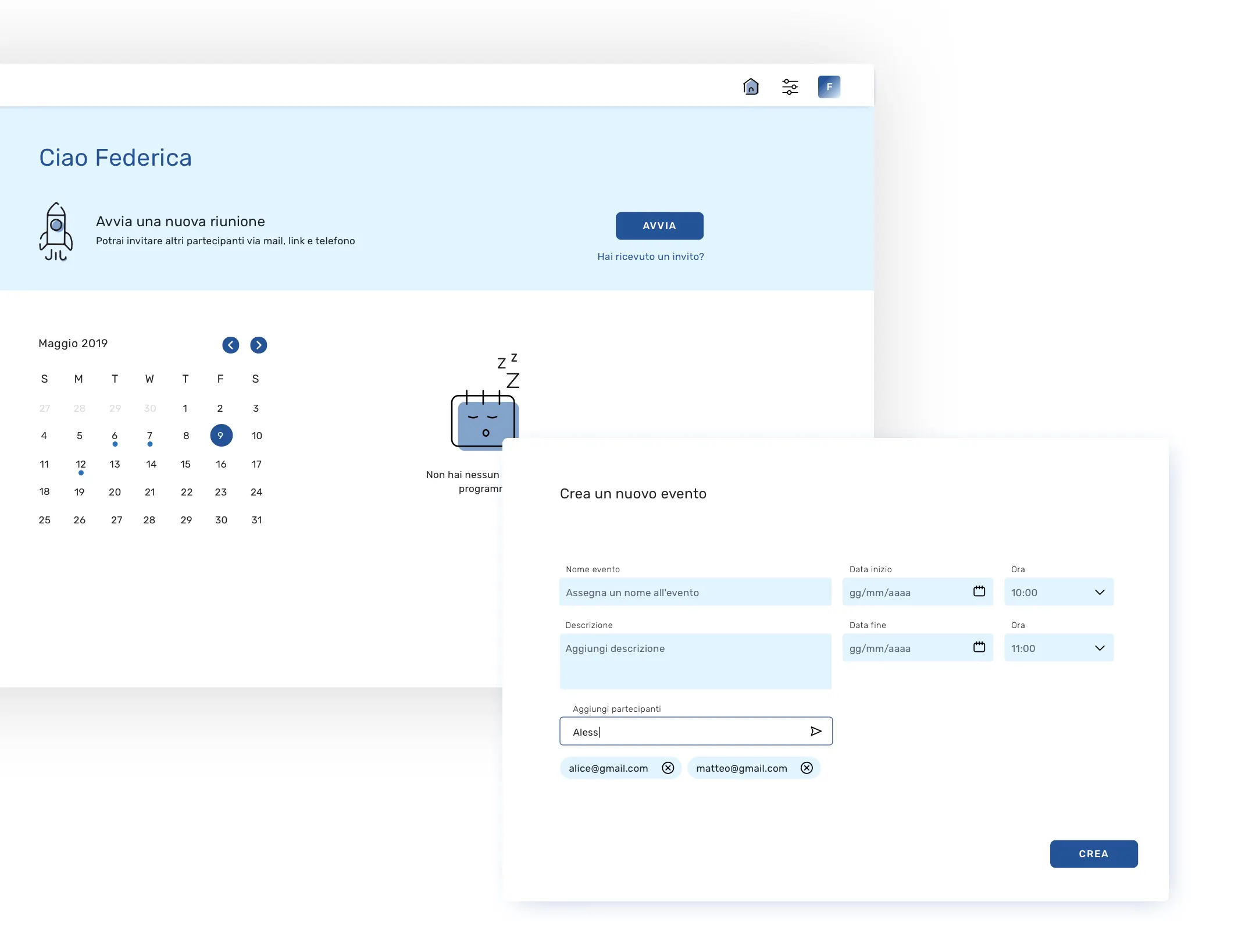
A restyling updates the visual layer while keeping structure and flows. A redesign rethinks information architecture, navigation and key flows. Working out which one you need is the first step: many retention problems won't be solved by new colours, and many working apps don't need to be redesigned from scratch.
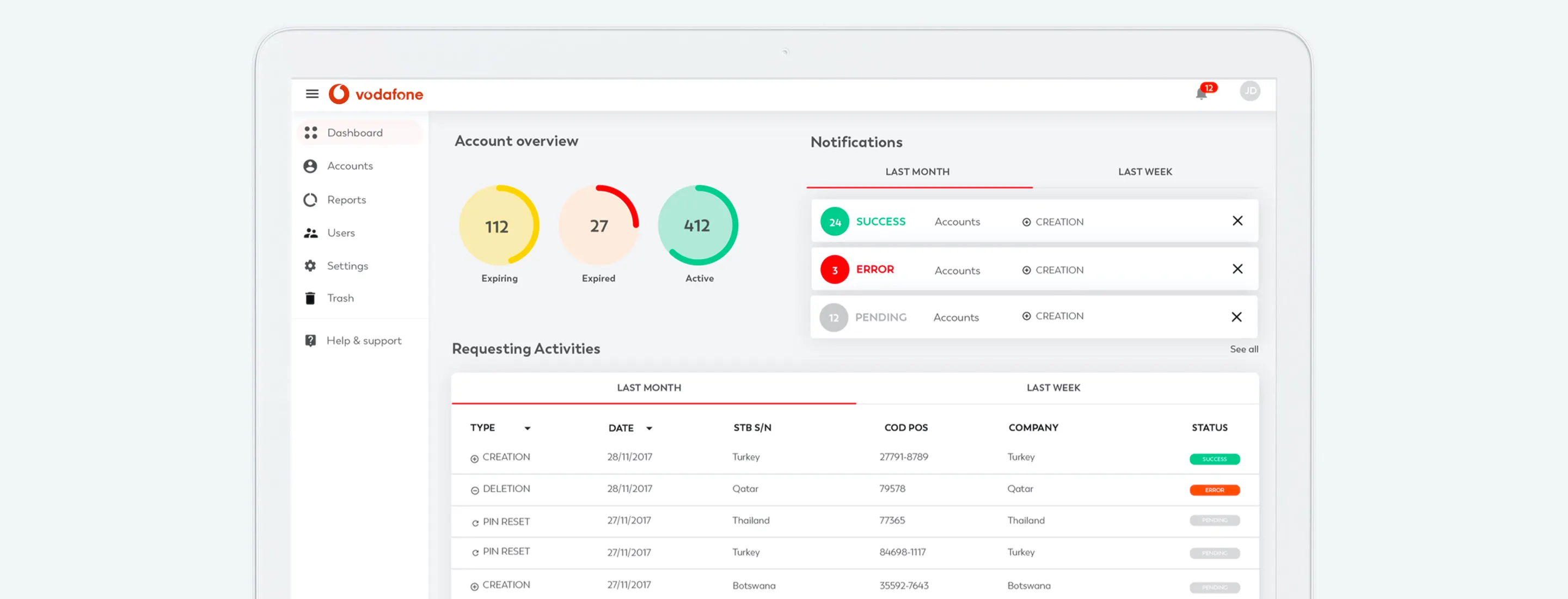
How to redesign without losing users
1. Start from data and research
A UX audit, funnel analysis and interviews with active users show what works and what doesn't. The goal is to preserve what users value and fix the real friction points.
2. Set measurable goals
"Make the app more modern" isn't a goal. "Increase onboarding completion by 20%" is. Clear goals guide design decisions and make it possible to evaluate the outcome.
3. Prototype and test before building
Interactive prototypes tested with real users, including the most loyal ones, catch problems while they're still cheap to fix.
4. Build a design system
A redesign is the ideal moment to introduce a design system: it ensures consistency across the new interface and speeds up future iterations.
5. Release gradually
Staged rollouts on the stores, feature flags, A/B tests on key screens and, where possible, the option to temporarily switch back to the old interface. Support the change with in-app messages explaining what's new.
6. Measure and iterate
In the weeks after release, monitor metrics, reviews and feedback so you can act quickly on any critical issues.
Mistakes to avoid
- Changing everything at once, leaving users with no familiar reference points.
- Deciding based on internal taste rather than data.
- Ignoring power users, who are often the most valuable ones.
- Underestimating development: a redesign often requires changes to the code architecture too.
App redesign: frequently asked questions
How long does a redesign take?
On average 3 to 6 months across research, design, development and release, depending on the app's complexity.
Should the code be rebuilt too?
It depends on the technical state of the app. If the code is dated or there are two separate native versions, the redesign can be the opportunity to migrate to Flutter and unify the platforms.
Conclusion
A successful redesign isn't noticed for how different it looks, but for how much easier the app becomes to use. Research, measurable goals, testing and a gradual rollout are what let you improve without losing users. GlueGlue supports companies with app and platform redesign projects, from the initial audit to release.
Let's talk about your project: get in touch with the GlueGlue team